
Hi folks,
I'm about to implement something a bit like the expand-all | collapse-all on this page (hopefully less tacky!):
http://www.dynamicdri...

For further actions, you may consider blocking this person and/or reporting abuse


@madsstoumann
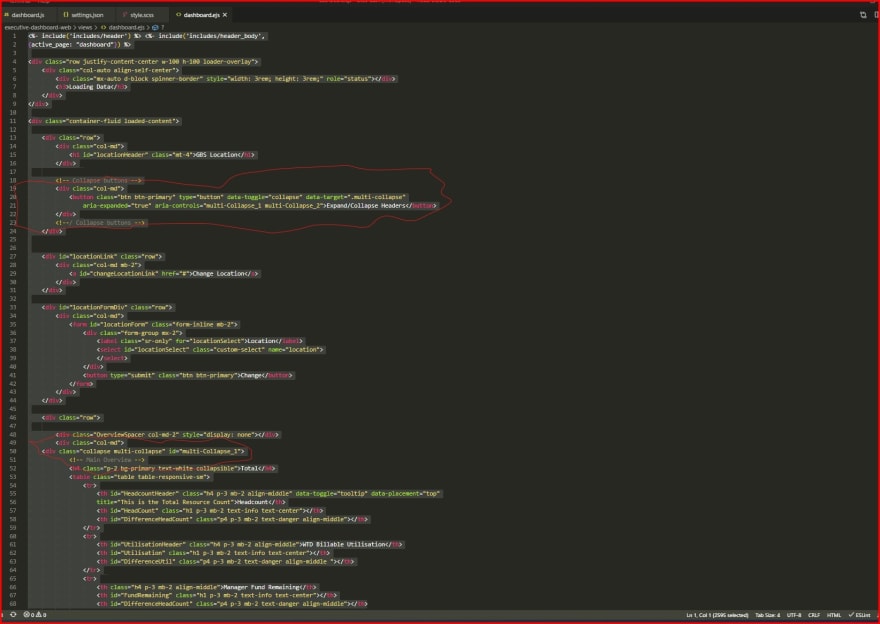
I'm trying to use aria-controls of CSS, even that is not quite working yet (will show a vid), but more importantly, is getting the js tied into it.
dev-to-uploads.s3.amazonaws.com/i/...
No,
aria-expandedis just nformation, it doesn't do anything on it's own.Check out the markup in my Codepen, the
<details>-tag has the collapse/expand functionality built-in. And then you need a single button with a JS-method, that toggles the [open]-state (like the example in my comment).Seems I could also go this way? ...
getbootstrap.com/docs/4.5/componen...
And this one's mostly the same, cept with more of an MD aesthetic:
mdbootstrap.com/docs/jquery/javasc...
mdbootstrap.com/snippets/jquery/te...
@madsstoumann I don't see anything there, that enables me to do what I'm trying to do? O_o
TY/BR.
Then I might have misunderstood you?
I've made a new, small Codepen-example with a "Toggle All"-button:
codepen.io/stoumann/full/gOMJqyg
I think that's it, very close to what I was inching towards, thanks!
Hmm, could be tricky to readapt for my web app project (not all my work), a rats nest of different toolsets/frameworks etc, you name it.
But I will give it a shot...
The thing is though...
Our page has all of the headers collapsed when it first loads, will it know this, & thus, ensure the toggle button appear as "expand all"?
And then, however many times one toggles "expand all"/"collapse all", will it maintain knowledge of the 'state' - of all the table headers?
Within the current sesh of course; if the page is reloaded, presumably it'll go back to them all being collapsed, & wipe the state record.
Upon testing...
Your Codepen-example suggests it will satisfy all of the above^, BUT, it could be different when trying to merge into the entire project.
HTML's built-in "toggler" is the
<details>-tag - I have a demo with various styles here:codepen.io/stoumann/pen/ExydEYL
This tag has a boolean attribute called "open":
To select all open elements, use:
To select all closed elements, use:
So, as an example, to set all open elements to closed:
/Mads